The manuscript
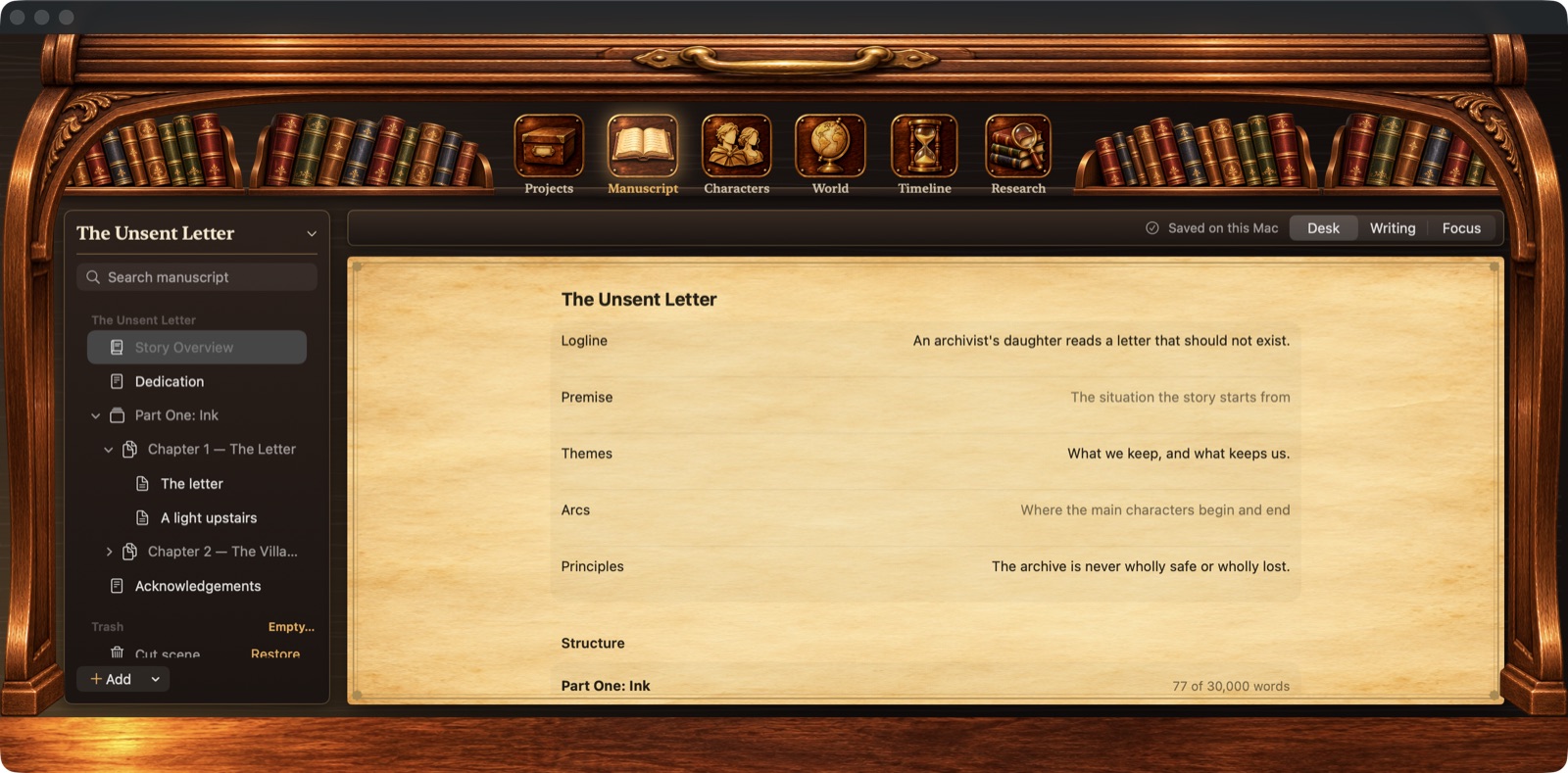
- Book, part, chapter and scene, plus front and back matter.
- Drag scenes to reorder them, or into another chapter.
- Saves as you type, with version history to go back to.
- Find and replace, and search across the whole library.
 Writers Rolltop
Stay close
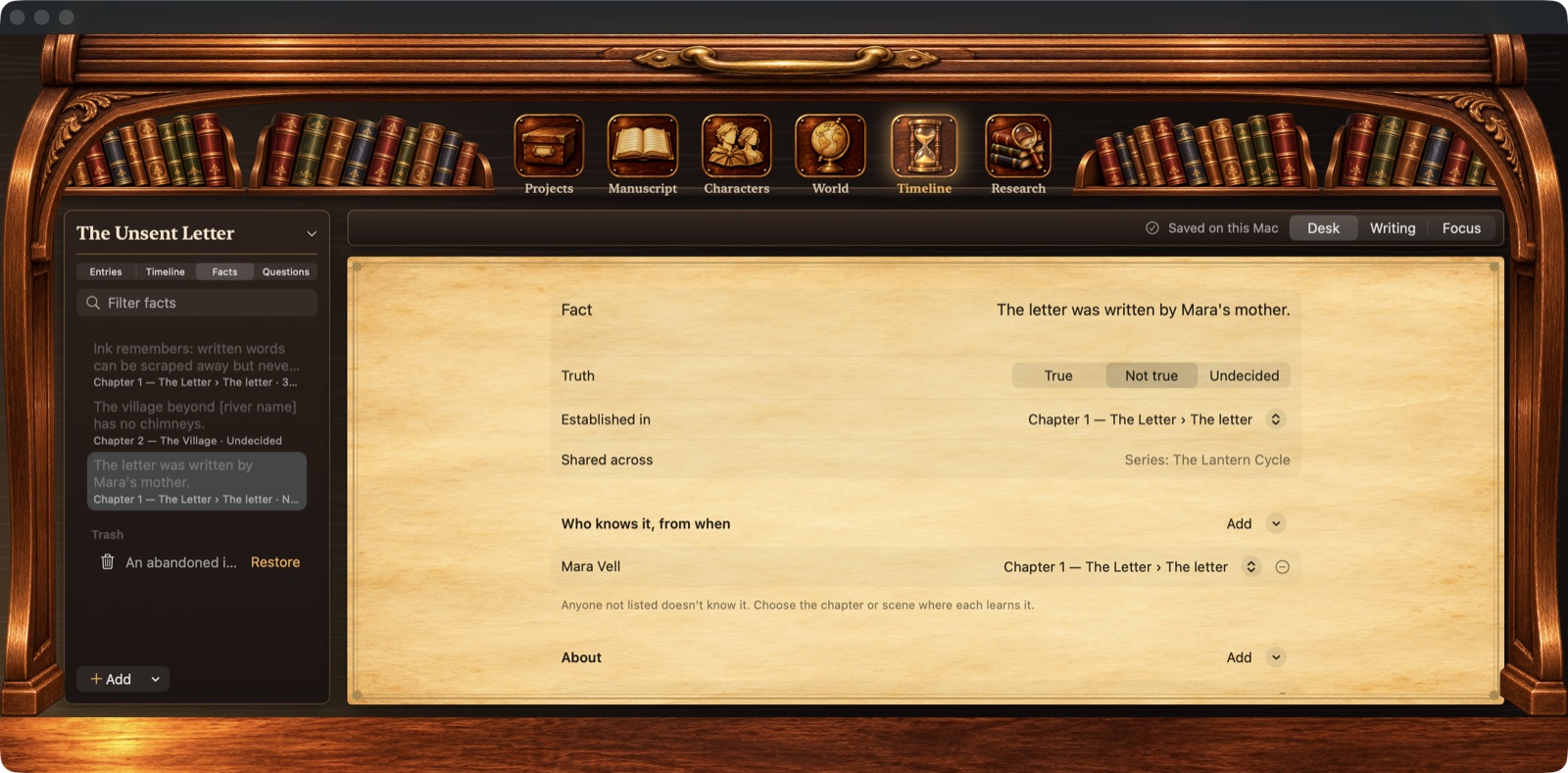
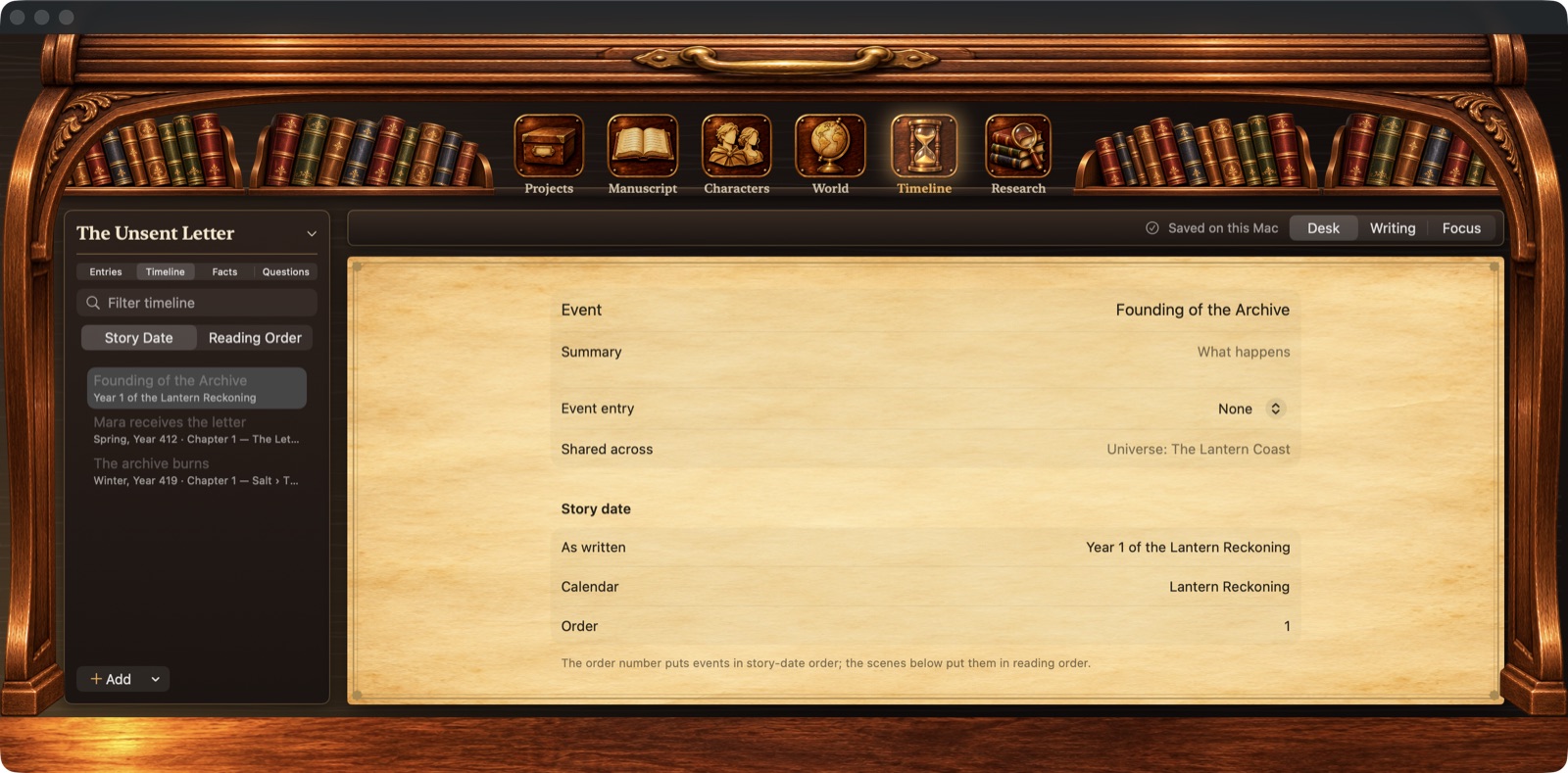
Your manuscript and your story bible, together on one walnut desk. Chapters and scenes, characters and places, the timeline, and who knows what, from when.
01 / The Mac app
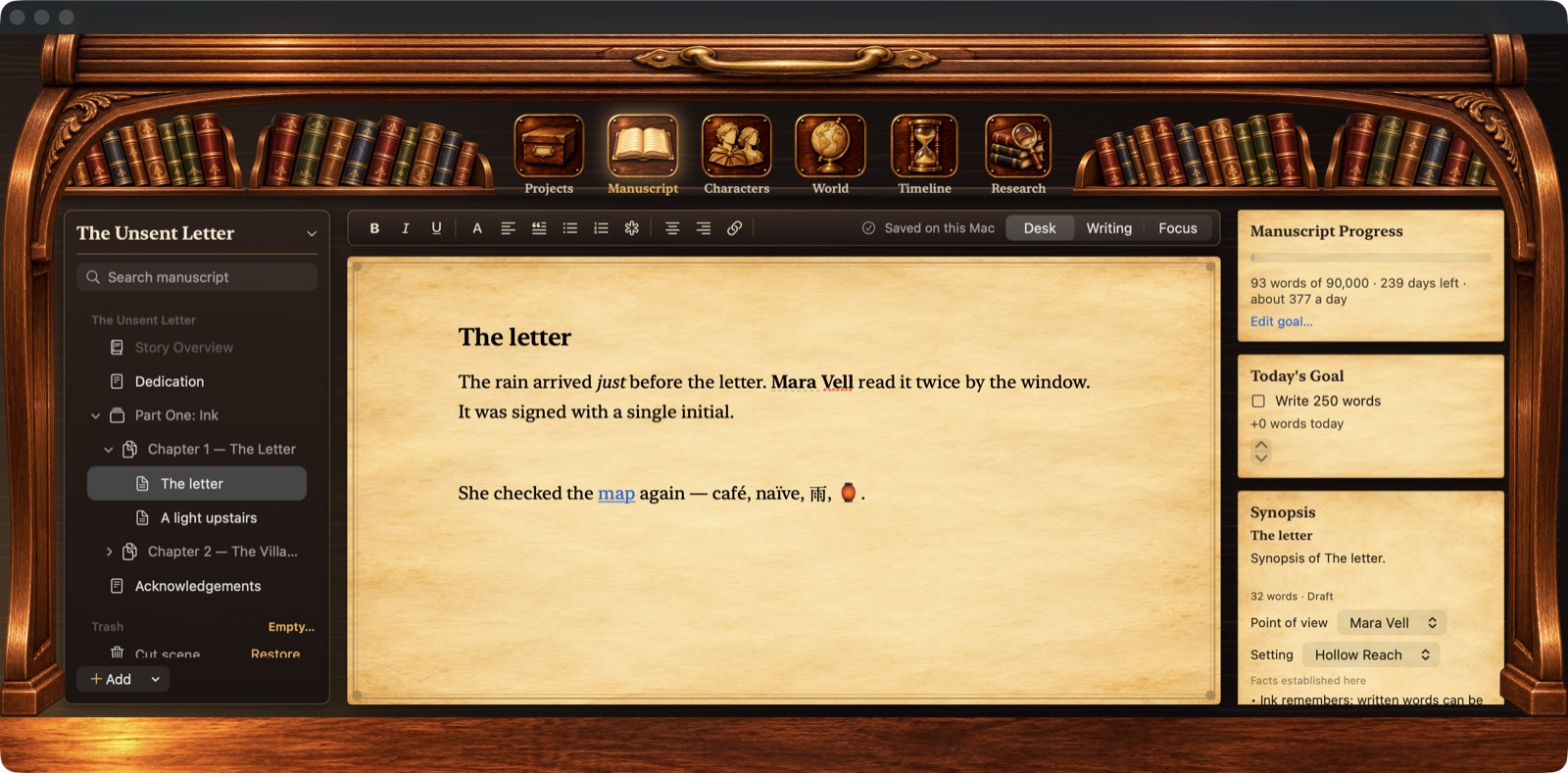
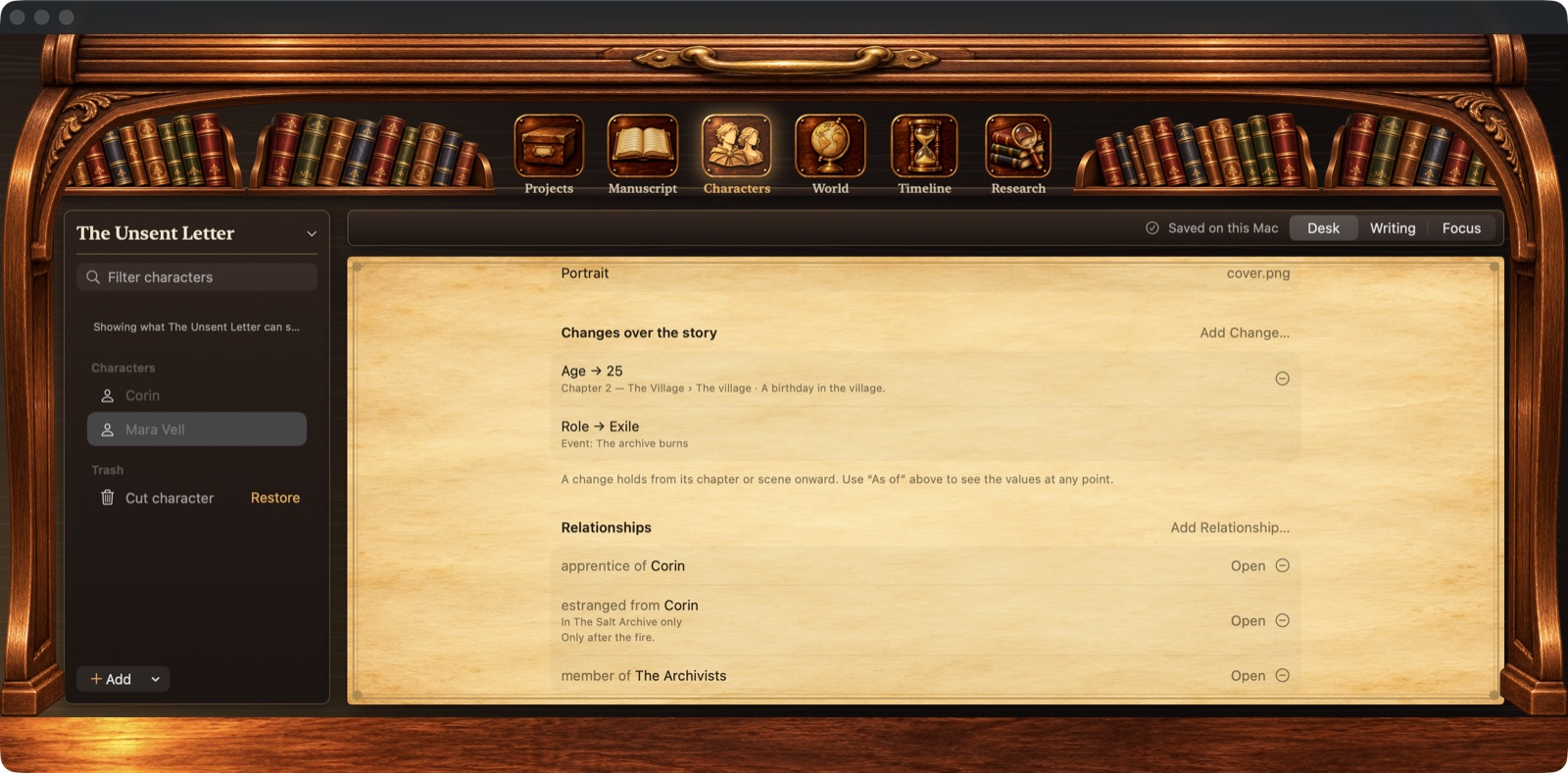
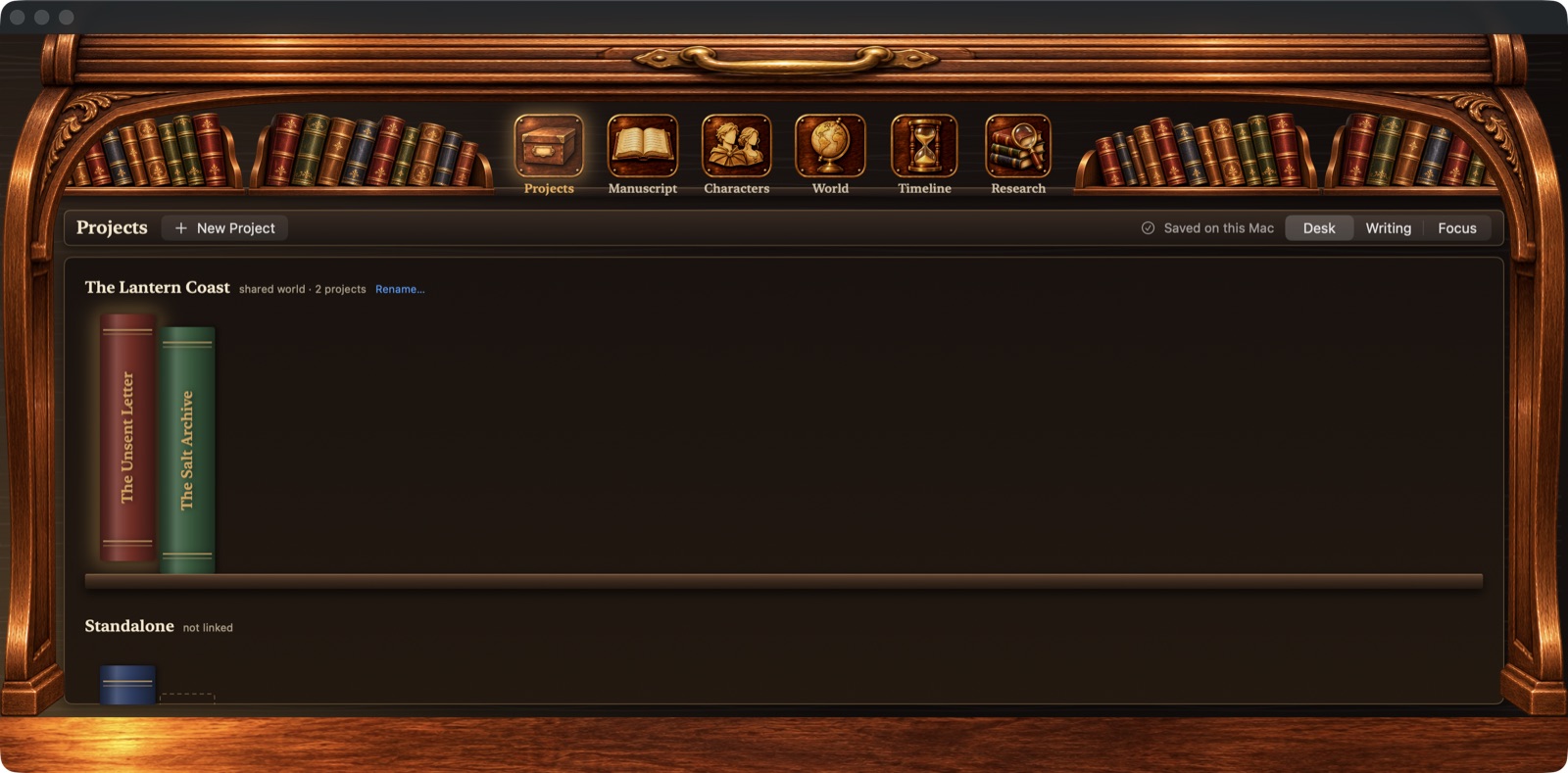
Six drawers along the top: Projects, Manuscript, Characters, World, Timeline and Research. The binder on the left, the page in the middle, your goals and notes on cards to the right.
02 / What’s on the desk
Everything here works in the Mac app today, in testing. It isn’t available to download yet.
.rolltop archive in a documented, open format, and import it again.03 / Try the layouts
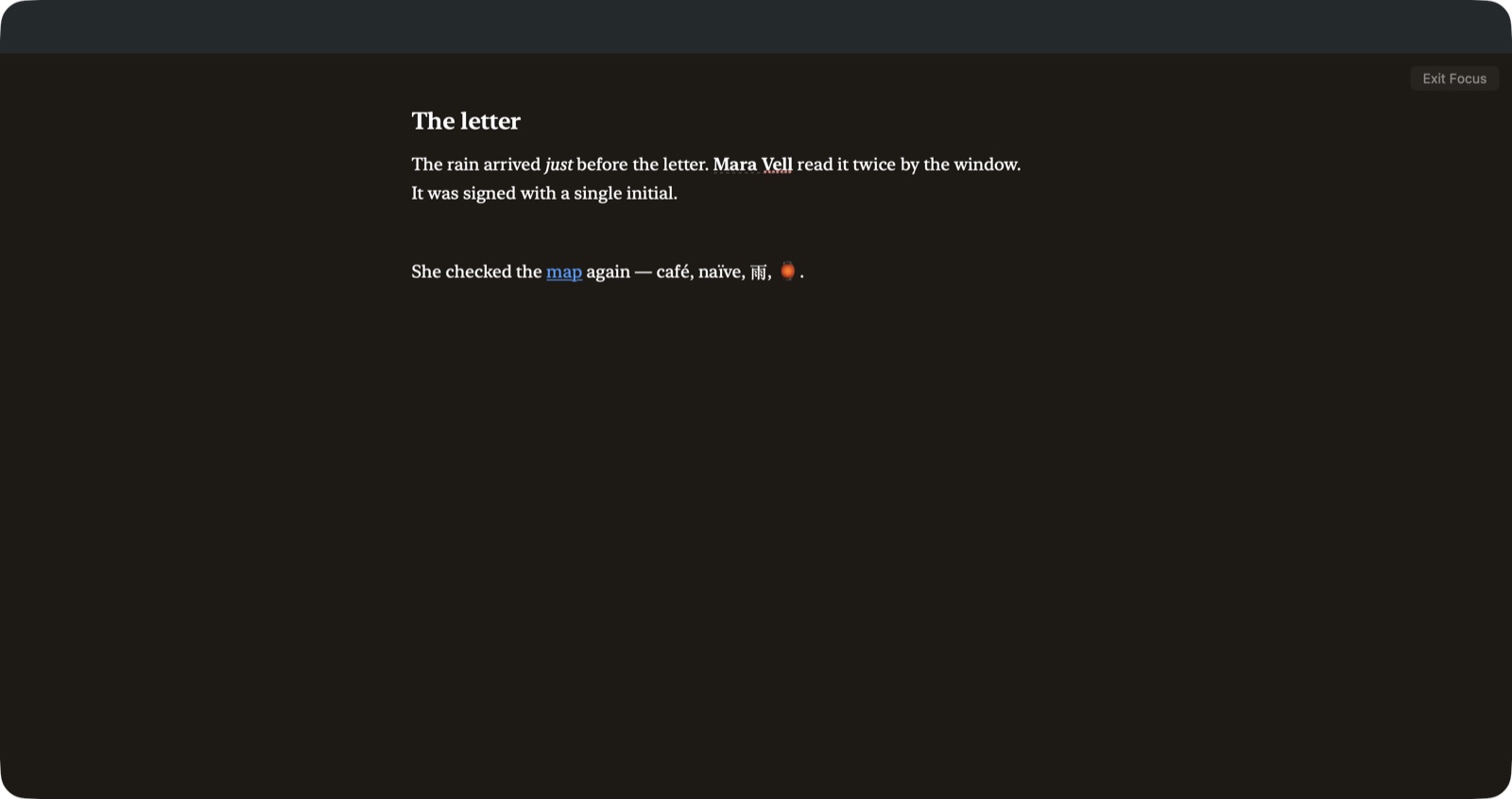
A small sketch of the app in your browser. Switch between Desk, Writing and Focus, and write a few lines.
This sketch runs only in your browser; it isn’t the app. Your text stays in this browser when storage is available, and is never sent anywhere. Download a copy to keep it.
04 / Your work stays yours
No account, no tracking, and nothing sent anywhere. Sync will be optional when it comes.
Your library is a folder on your Mac. It opens without an internet connection, and the app has no account, analytics or telemetry.
Every scene keeps its earlier versions. The app makes a backup before it upgrades your library or deletes anything for good, and deleted things wait in the trash first.
A .rolltop archive holds your whole library in a documented format, and your bible exports to Word and PDF.
Planned: iCloud sync with the iPad and iPhone apps, and later a free open-source server you can run yourself. Keeping everything on one Mac will always be fine.

Some things need a little quiet.
And a place to begin.
Less arranging the tools. More making the work.
05 / Where it stands
The full studio is built and in testing. Not available to download yet.
The same library on every device, with private iCloud sync that works offline.
A free edition you run on your own server, with your own sync.
06 / Before you settle in
Not yet. The Mac app is built and being tested by its first writer. There’s no download, beta or release date to announce yet. The screens on this page are from the real app.
It currently runs on macOS 14 Sonoma and later. That may change before release.
They’re next, after the Mac app. They’ll share the same library through private iCloud sync. There’s no date yet.
No. The app keeps your library on your Mac and doesn’t send anything anywhere.
Pricing hasn’t been set. It will be shared when it’s ready.
A planned free, open-source edition you run on your own server, for writing in a browser and syncing your own way. It will be optional.
There’s more to come
Bookmark this page and come back for development news.
No signup form, and no mailing list.
Made by Black Well Foundry, an independent app studio.